


Create and edit PNG images
Use GPT Image 2.6 Flare when you want to start from a written brief or revise a picture you already have. Pick a square frame for a product listing, a portrait frame for a poster, or a wide frame for a banner.
Product shots and campaign visuals
Give the product a specific surface, light direction, and camera angle. For an ad or banner, ask for clear space on the side where your headline or price will go.
Posters with short, readable copy
Put the exact headline in quotes and tell the generator where to place it. Use short lines and strong contrast, then check every word at the size your audience will see.
Edit one reference image
Upload one JPEG, PNG, or WebP up to 30 MB. Name the part you want to change, such as the background or lighting, and spell out what should stay, such as the product angle and label.
Pick the size for the job
Start at 1K Low to test composition. Try 1K Medium or High if you want to compare detail at the same size. Choose 2K or 4K Medium for a larger text-to-image PNG; reference edits stay at 1K Medium.
Six prompts to start your next project
See looping GIFs and previews of SVG logos and icons. Copy any prompt, or try a still-image prompt directly.
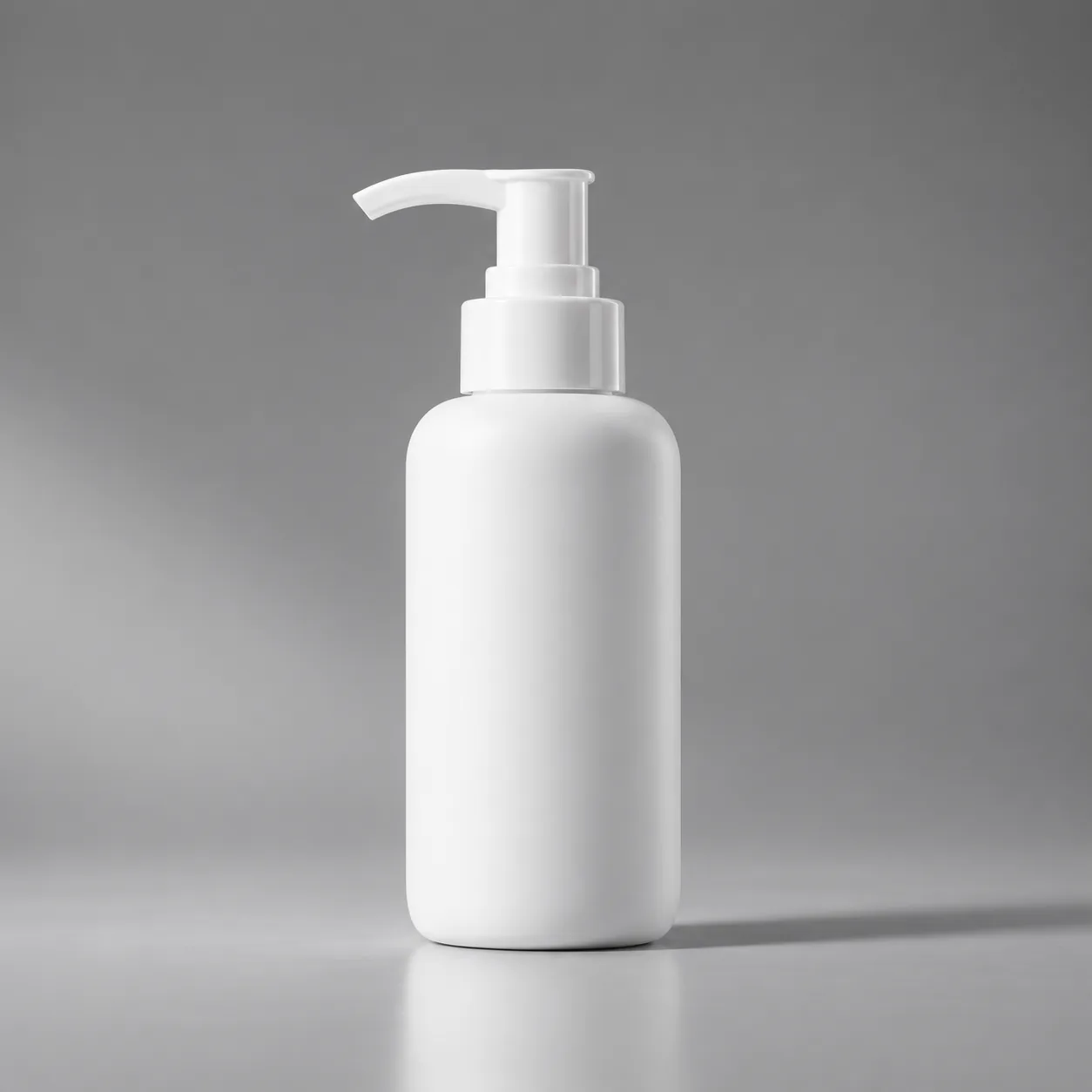
Image
Studio skincare photography
A matte ivory skincare bottle on a warm grey studio surface. Soft window light from the left, a delicate shadow, visible ceramic texture and generous empty space on the right for a headline. Three-quarter camera angle, restrained editorial product photography. No invented labels.
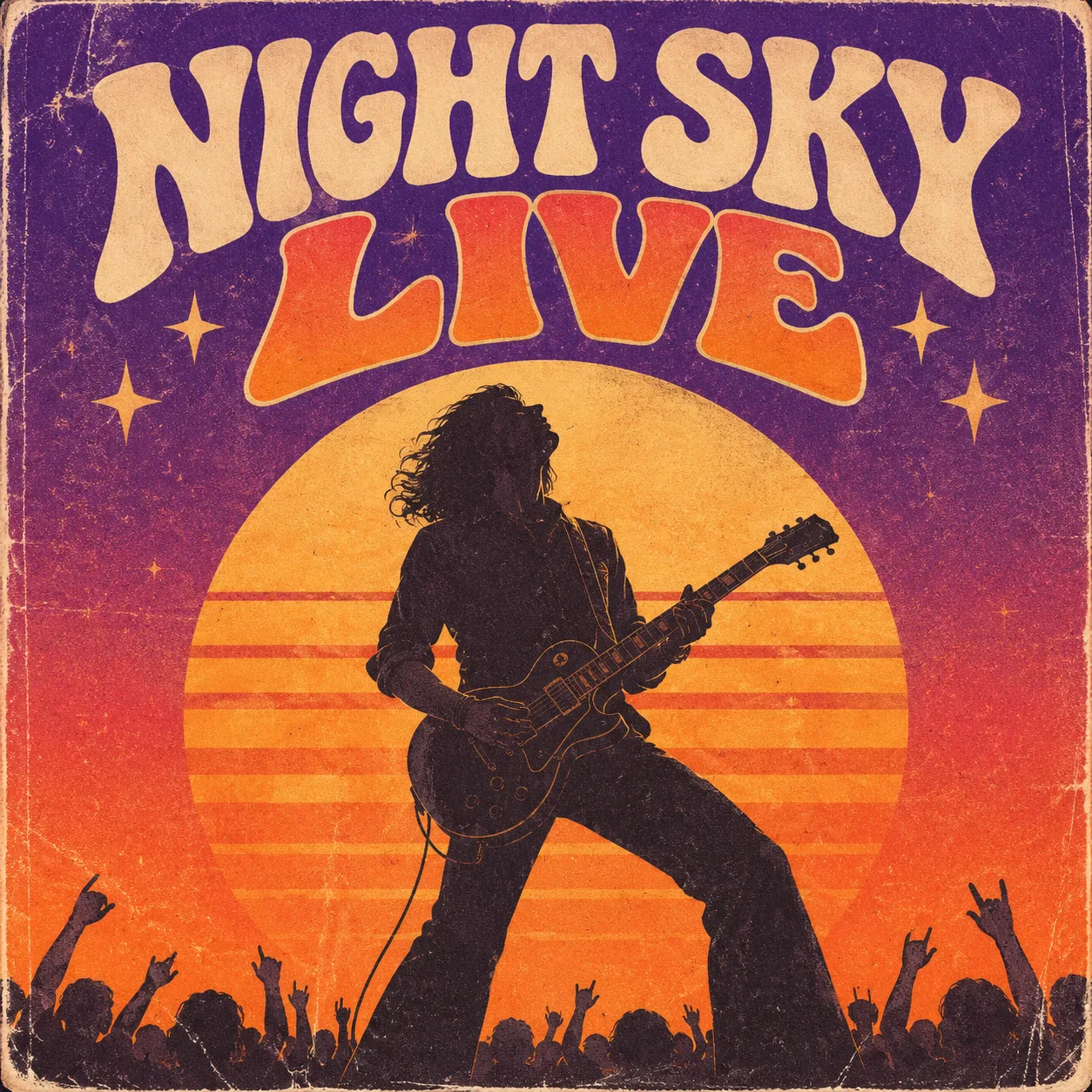
Image
Retro concert poster
Create a retro concert poster with the exact headline "AFTER HOURS". Use oversized cream lettering, a deep violet background and one orange sun shape. Place the date "FRIDAY 21:00" below the title. Clear hierarchy, generous margins, no extra text.
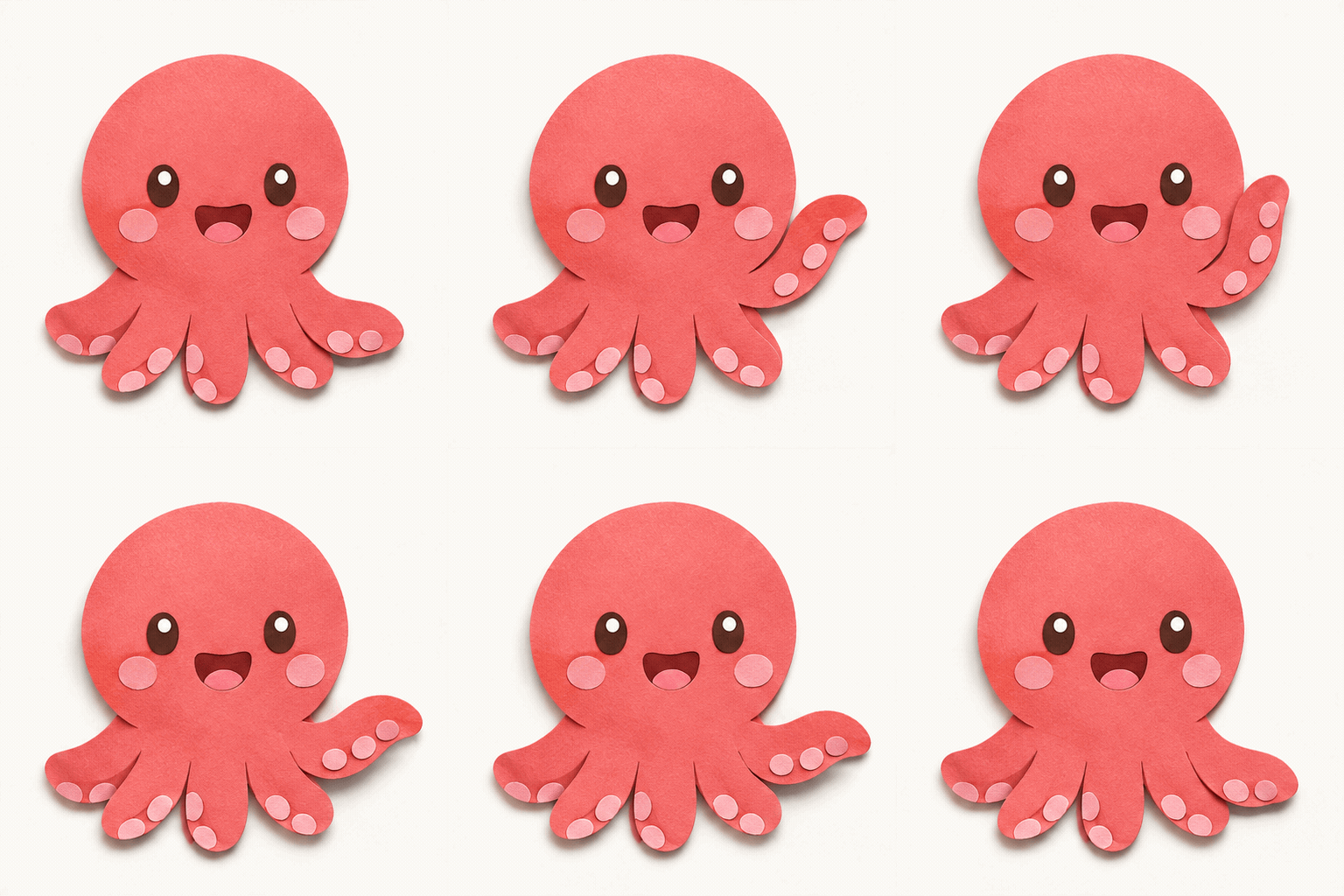
GIF
Waving paper-cut mascot
A friendly violet paper-cut octopus on a plain cream background. One arm lifts to wave, pauses and returns to the starting position. Keep the character shape and camera fixed. Short, gentle, seamless GIF loop.
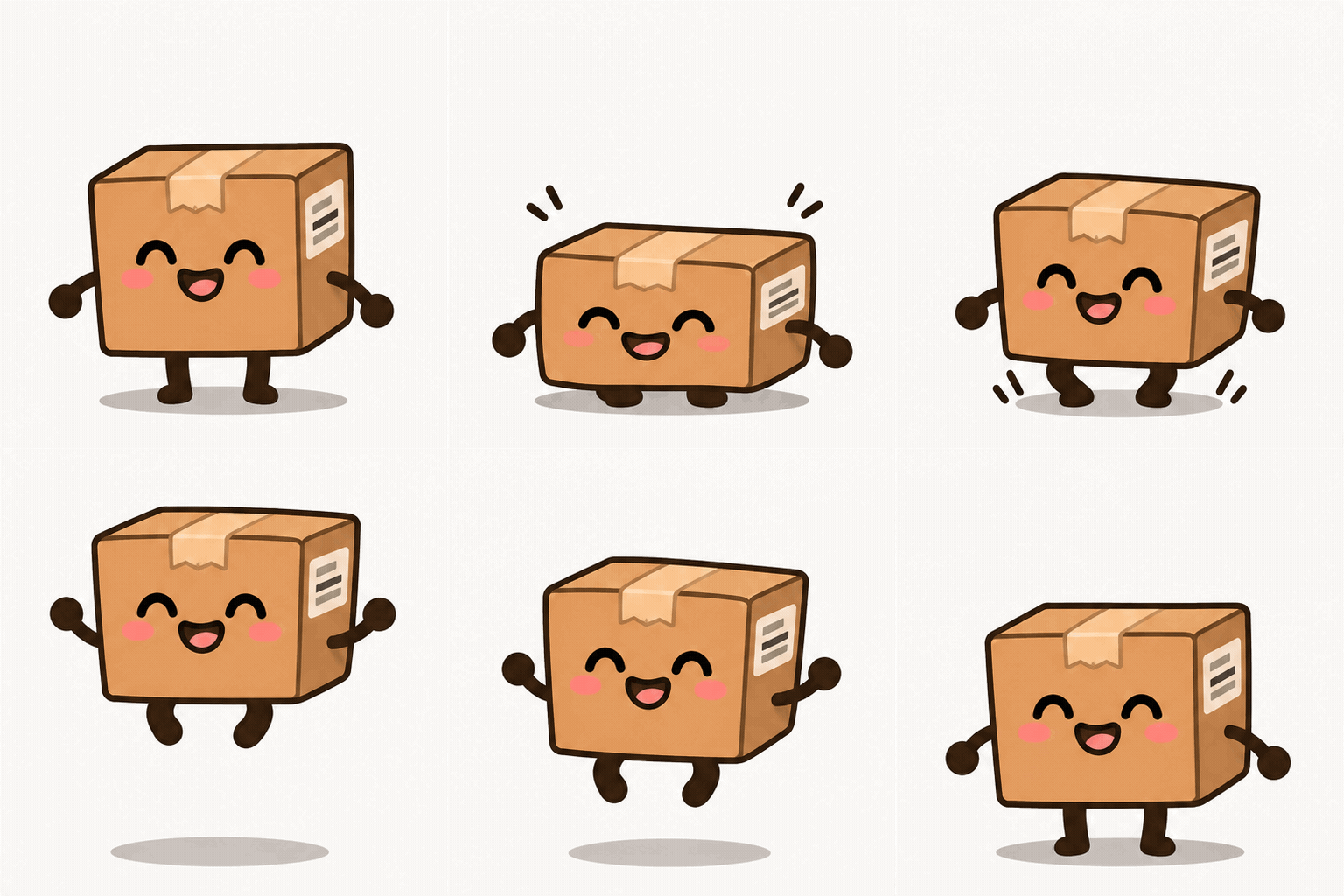
GIF
Bouncing delivery box
A smiling cardboard delivery-box mascot on a pale blue background. The box squashes, springs up slightly, lands softly and returns to its original pose. Fixed camera, soft shadow, one character, seamless loop. No text.

SVG concept · WebP preview
Geometric fox mark
Create a static SVG fox logo made from simple geometric paths. Two flat colors, balanced negative space and a recognizable silhouette at small sizes. Center the mark, avoid gradients, embedded raster images and text. Keep paths editable.

SVG concept · WebP preview
Fintech icon family
Create a static SVG containing four matching fintech icons: wallet, payment card, shield and rising chart. Use a consistent navy stroke, rounded corners and one teal accent. Arrange in a two-by-two grid with equal spacing. Editable paths, no text or raster images.
Three prompt recipes to try
Start with one of these examples, then swap in your own subject or headline. For an edit, upload the reference first and describe what should change and what should stay.
Stage a product photo
Name the product, camera angle, surface, and light. If the image will sit behind page copy, say which side to leave empty.
Ivory ceramic mug on dark slate, three-quarter view, soft window light from the left. Leave the right third empty for a headline. No text in the image.
Lay out a typographic poster
Give the model the exact headline and tell it how large it should be. Keep supporting text short; inspect the result before you use it.
A portrait poster with the exact headline “NIGHT MARKET” at the top in large cream lettering. Midnight-blue background, one orange moon, generous margins, no other text.
Change the setting, keep the subject
In Image to Image, ask for one main change on the first pass. List the parts of the reference that should stay the same.
Replace the background with warm gray paper and add a soft shadow. Keep the bottle, label, proportions, and camera angle unchanged.
GPT Image 2.6 vs GPT Image 2.5
Compare the settings available in the two generators.
| What you need | GPT Image 2.5 | GPT Image 2.6 |
|---|---|---|
| Output formats | The existing 2.5 generator creates still images. | PNG, GIF, or SVG from text; PNG for reference edits. |
| Model choice | Flare and Sunburst for image generation and editing. | Flare only, for text-to-image and single-reference editing. |
| Creative controls | Aspect ratio, resolution and background. | 1K with three quality levels; 2K and 4K at Medium. |
| Prompt and references | Up to 20,000 characters and 16 references. | Up to 32,000 characters and one reference image per edit. |
From an idea to a usable asset
- 01
Start at 1K
Use Low for a draft. Choose Medium or High at 1K, or choose 2K or 4K at Medium.
- 02
Write a focused brief
Describe the subject, style, framing and background. Put text you want in the image in quotes.
- 03
Review, refine and download
Check the displayed credit cost before generating. Review the composition and details, request a focused revision when needed, then download the original output. Your results also appear in generation history.
GPT Image 2.6 Pricing
Compare one-time credit packs and subscriptions. Image estimates are based on 1K Low text-to-image; other settings use a different number of credits.
GPT Image 2.6 questions
Can I edit an image in 4K?
No. The 4K option is for text-to-image at Medium quality. Image-to-image uses one reference and returns a 1K Medium PNG. Actual pixel dimensions depend on the aspect ratio you choose.
What can I upload as a reference?
Upload one JPEG, PNG, or WebP up to 30 MB. Start with a clear image where the detail you want to keep is visible. In the prompt, separate what should change from what should stay.
Can I make GIFs or SVGs here?
Yes. In Text to Image, choose GIF for a 512 × 512 loop with 12 frames (18 credits), or SVG for a 1K vector image (24 credits). Image to Image exports PNG only.
How do I get better text on a poster?
Put the exact words in quotation marks and describe their position, size, and contrast. Start with a short headline. Review spelling and small lettering before sharing or printing; adding dense copy in a design tool gives you more control.
How many credits does a generation cost?
Text-to-image starts at 14 credits for 1K Low. Editing with one reference costs 32 credits at 1K Medium. Check the credit cost next to the Generate button before you submit.
Create your first image
Describe an image and choose PNG, GIF, or SVG, or upload a photo to edit and download as PNG.
Create with GPT Image 2.6